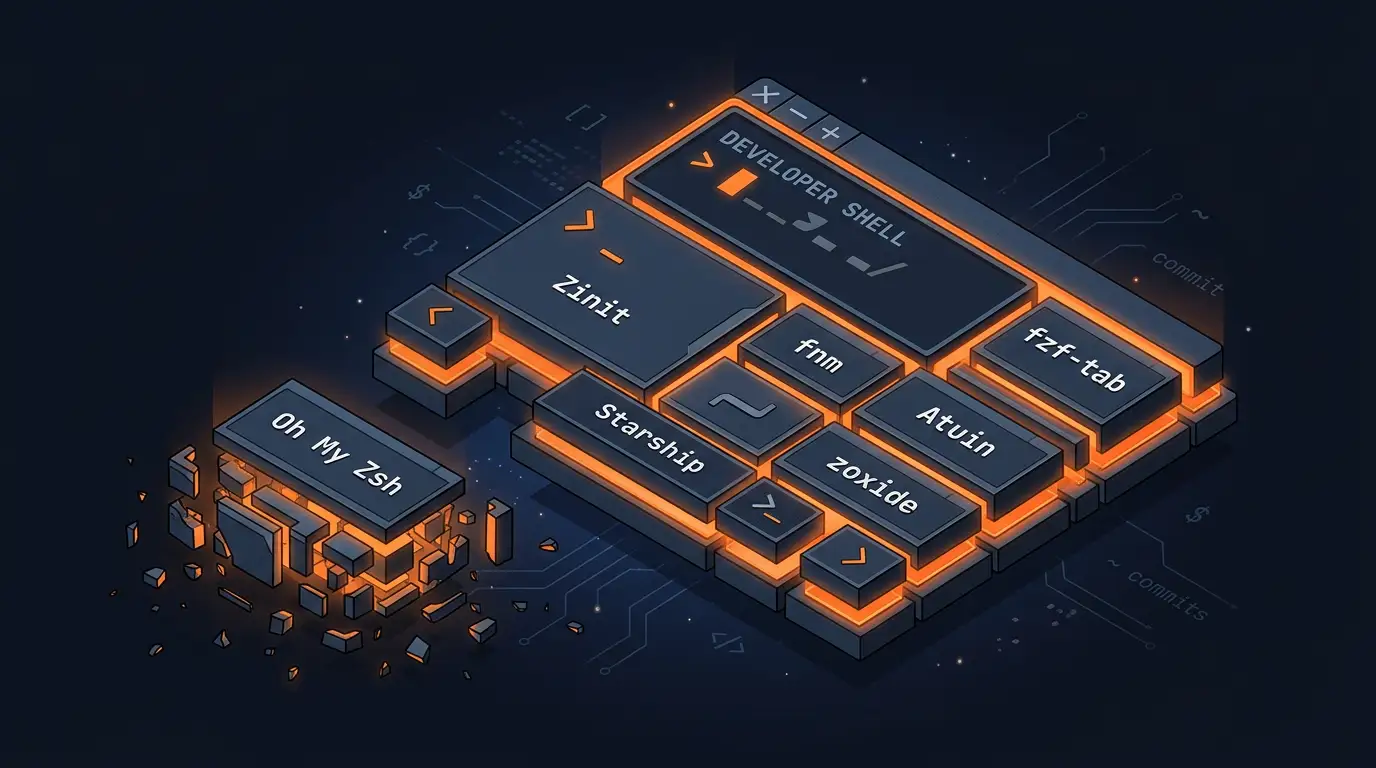
I used to load the full Oh My Zsh framework. Then I profiled my shell and found I was pulling in 150+ files to use maybe 10 features. The chef overcooks 👨🍳
So I stripped things back. Now I cherry-pick the OMZ plugins I need via Zinit, and fill the gaps with tools that do one thing well. The terminal is Ghostty with a six-line config, the shell is Zsh, and everything below is what makes it feel like home.
What I Keep from Oh My Zsh (and How)
I use Zinit as my plugin manager. The profiling post covers why I switched from Antigen and how to install it. The important part is what I load:
# OMZ libraries - each one earns its spot
zinit snippet OMZL::git.zsh          # Git aliases and functions
zinit snippet OMZL::directories.zsh  # .. / ... / take (mkdir + cd)
zinit snippet OMZL::theme-and-appearance.zsh  # Terminal title, ls colors
zinit snippet OMZL::async_prompt.zsh # Non-blocking git status in prompt

# OMZ plugins
zinit snippet OMZP::git    # 150+ git aliases (gst, gco, gp, etc.)
zinit snippet OMZP::brew   # Homebrew completions
zinit snippet OMZP::direnv # Auto-load .envrc files
zinit snippet OMZP::eza    # ls replacement with icons/git status
That’s 4 libraries and 4 plugins out of the hundreds that OMZ ships. git.zsh alone gives me aliases I use dozens of times a day. directories.zsh lets me type .. instead of cd .. and take mydir instead of mkdir mydir && cd mydir. The rest handle things I’d rather not configure manually.
If you’re migrating from a full Oh My Zsh install, zinit snippet OMZL:: and zinit snippet OMZP:: are the escape hatch. You don’t lose the plugins, just the framework overhead.
The Prompt: Starship
I’ve used Powerlevel10k for years and Oh My Posh before that. They work great. But when I rebuilt my setup, I switched to Starship because I wanted one config that worked everywhere.
Same starship.toml across Zsh, Bash, Fish, Nushell. One less thing to reconfigure if I ever switch shells. I was only using a fraction of p10k’s features anyway, so a single starship.toml vs. a 1000+ line ~/.p10k.zsh was a welcome tradeoff. I also wanted something that looked good in both light and dark modes since my terminal theme follows system appearance.
I use the default config and haven’t felt the need to customise it. If you want to see what my p10k setup looked like before, the original terminal post has the full config.
Node Version Management: fnm
nvm worked but it required a bit of love to get it running smoothly. fnm (Fast Node Manager) is a drop-in replacement written in Rust. I swapped over, kept the same .nvmrc files, and got faster startup and automatic version switching without any real configuration.
The two flags that matter when using it are:
--use-on-cdautomatically switches Node version when you enter a directory with a.node-versionor.nvmrcfile. Same behavior asNVM_AUTO_USE=true.--version-file-strategy=recursivewalks up the directory tree looking for a version file. One.nvmrcat the project root covers every subdirectory.
If you’re installing tools from scratch, the Mac setup guide covers the full Homebrew install list including fnm.
Smart Navigation: zoxide
zoxide learns which directories you visit most and lets you jump to them with partial names. Type z proj and it takes you to ~/Developer/projects because that’s where you go most often.
But here’s the thing: don’t alias it to cd.
zoxide can replace cd entirely with --cmd cd. I tried it. Loved it at first. Then I started switching between client projects and things got weird. I’d type cd src expecting to go to the src in my current project, but zoxide’s “frecency” ranking would send me to a different project’s src instead. It ranks by frequency + recency, so if I’d been in that other project more recently, it won.
The fix was easy: keep cd for relative navigation, use z for fuzzy jumps. Two commands, two mental models, no confuddlement.
Shell History: Atuin
Atuin replaced my basic HISTFILE setup. Press Ctrl+R and you get a full-text search through every command you’ve ever run, with context like which directory you were in and how long it took. Everything lives in a local SQLite database, so nothing leaves your machine unless you turn on cloud sync.
I still set the standard Zsh history options as a fallback, though I’ve bumped the size from the 1000 I had before. Why keep them? Atuin hooks into Zsh’s history system, so the setopt flags still matter. And if you SSH into a machine without Atuin, you want a working Ctrl+R to fall back on. The default SAVEHIST=1000 is maybe two days of commands, so I bumped it to 10000.
Atuin loads at the very bottom of the config since it needs to override the default Ctrl+R binding after everything else is set up.
Tab Completion: fzf-tab
I used to use fig for autocomplete. Dropdown suggestions with descriptions and icons, it was great. Then Amazon bought it and required an Amazon login. Hard no.
fzf-tab fills that gap. It replaces Zsh’s default tab completion with fuzzy matching powered by fzf. Type git checkout and hit tab: interactive branch picker instead of a flat list. Same for cd, kill, file paths, basically anything with completions. Once I had this, the default tab completion felt broken by comparison especially since TUIs > GUIs.
The Rest of the Toolbox
A few more pieces that round things out, all loaded via Zinit:
eza via zstyle is worth calling out specifically. The OMZ eza plugin supports zstyle configuration, which is cleaner than aliasing ls manually. Set these before loading the plugin and you get sorted dirs, git status, headers, and icons without any alias juggling:
zstyle ':omz:plugins:eza' 'dirs-first' yes
zstyle ':omz:plugins:eza' 'git-status' yes
zstyle ':omz:plugins:eza' 'header' yes
zstyle ':omz:plugins:eza' 'icons' yes
zsh-syntax-highlighting and zsh-autosuggestions are the classic pair. Syntax highlighting catches typos before you hit enter (valid commands go green, invalid go red). Autosuggestions shows ghost text of your most recent matching command and you press → to accept. Between these two and Atuin, I rarely type a full command twice.
The Full Config
Here’s the complete ~/.zshrc for copy-paste. The order matters: Zinit and plugins first, then tool initializations, then Atuin last.
Here’s the Ghostty config: it’s just theme, font, and two clipboard settings:
window-theme = system
theme = dark:Monokai Pro,light:Monokai Pro Light
font-family = "DepartureMono Nerd Font"
copy-on-select = false
clipboard-trim-trailing-spaces = false
And the shell:
# Zinit installation
ZINIT_HOME="${XDG_DATA_HOME:-${HOME}/.local/share}/zinit/zinit.git"
[ ! -d $ZINIT_HOME ] && mkdir -p "$(dirname $ZINIT_HOME)"
[ ! -d $ZINIT_HOME/.git ] && git clone https://github.com/zdharma-continuum/zinit.git "$ZINIT_HOME"
source "${ZINIT_HOME}/zinit.zsh"

# Load OMZ libs we need (not the whole thing)
zinit snippet OMZL::git.zsh
zinit snippet OMZL::directories.zsh
zinit snippet OMZL::theme-and-appearance.zsh
zinit snippet OMZL::async_prompt.zsh

# eza config - must be set BEFORE loading the plugin
zstyle ':omz:plugins:eza' 'dirs-first' yes
zstyle ':omz:plugins:eza' 'git-status' yes
zstyle ':omz:plugins:eza' 'header' yes
zstyle ':omz:plugins:eza' 'icons' yes

# Load OMZ plugins
zinit snippet OMZP::git
zinit snippet OMZP::brew
zinit snippet OMZP::direnv
zinit snippet OMZP::eza

# Zsh plugins
zinit light zsh-users/zsh-syntax-highlighting
zinit light zsh-users/zsh-autosuggestions
zinit light Aloxaf/fzf-tab

# Load completions efficiently (after prompt is ready)
autoload -Uz compinit
compinit

# Initialize tools
eval "$(starship init zsh)"
eval "$(fnm env --use-on-cd --shell zsh --version-file-strategy=recursive)"
eval "$(zoxide init zsh)"

export HOMEBREW_AUTO_UPDATE_SECS="86400"

# history setup
HISTFILE=$HOME/.zhistory
SAVEHIST=10000
HISTSIZE=10000
setopt share_history
setopt hist_expire_dups_first
setopt hist_ignore_dups
setopt hist_verify

# Aliases
alias code=code-insiders
alias d=dotnet
alias db="dotnet build"
alias dw="dotnet watch"
alias dr="dotnet run"
alias dt="dotnet test"
alias zshconfig="code ~/.zshrc"

# pnpm
export PNPM_HOME="/Users/matt/Library/pnpm"
case ":$PATH:" in
  *":$PNPM_HOME:"*) ;;
  *) export PATH="$PNPM_HOME:$PATH" ;;
esac

# vscode integration
[[ "$TERM_PROGRAM" == "vscode" ]] && . "$(code --locate-shell-integration-path zsh)"

# Atuin - synced shell history (load last)
. "$HOME/.atuin/bin/env"
eval "$(atuin init zsh)"
The Pattern
The migration path is gentle: swap your plugin manager to Zinit, replace source $ZSH/oh-my-zsh.sh with cherry-picked OMZL:: and OMZP:: snippets, and fill the gaps with single-purpose tools. You keep the muscle memory, lose the overhead.
If you want to see how I got here from a full Oh My Zsh install, the profiling post has the full story.